 Numa
NumaLink results
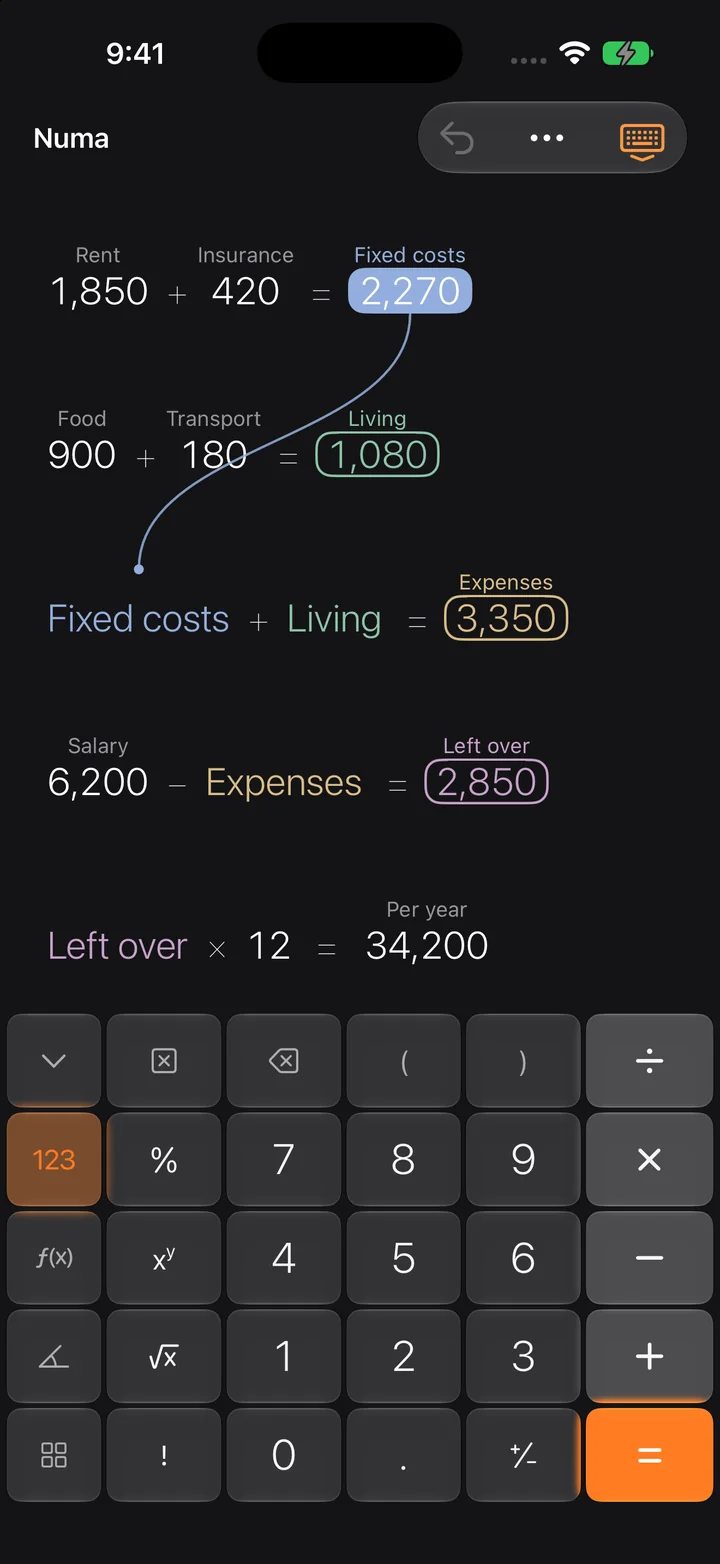
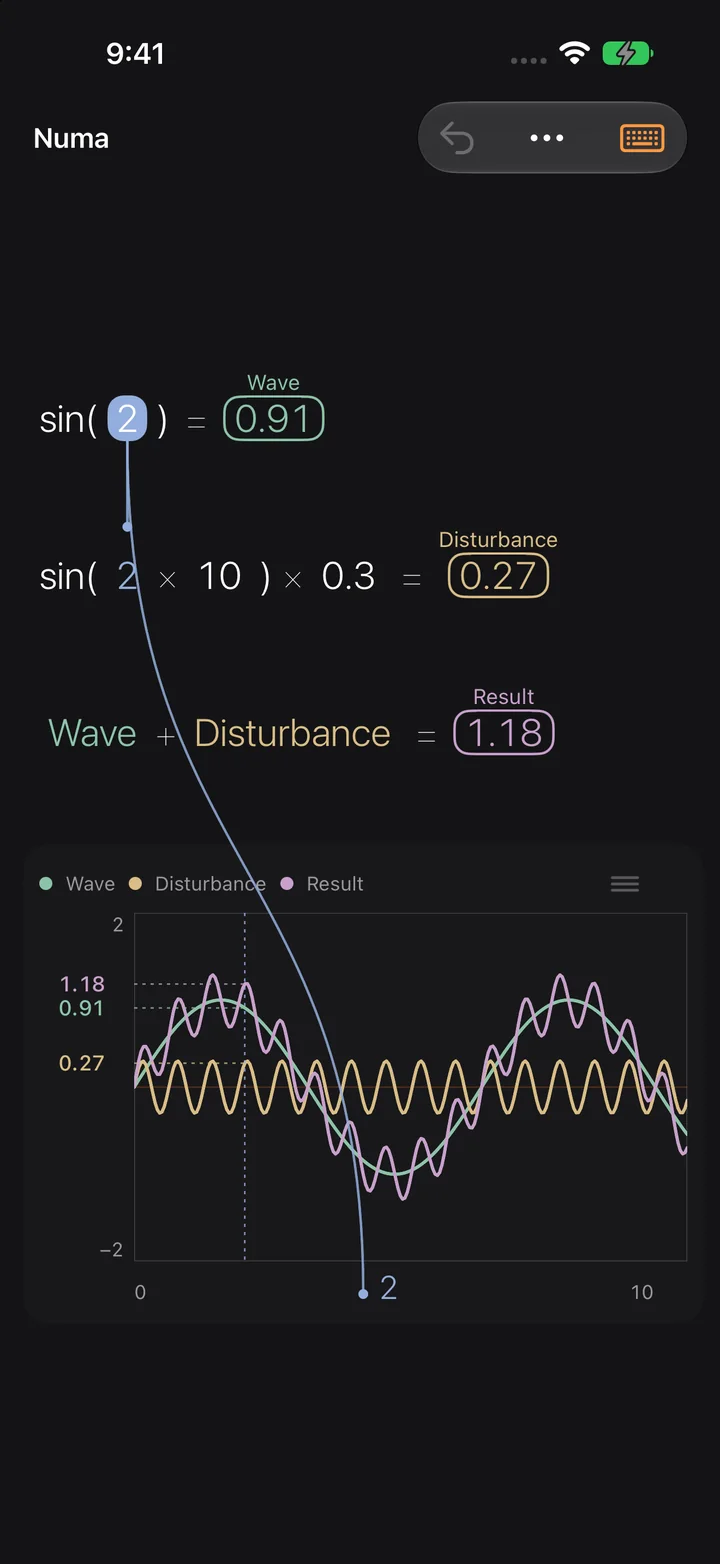
- Select a result.
- Press an operator. A linked number appears below in its own colour.
- Or drag one number onto another.
- To undo: long press the number and choose “Unlink”.
What gets asked most. Everything else by email.
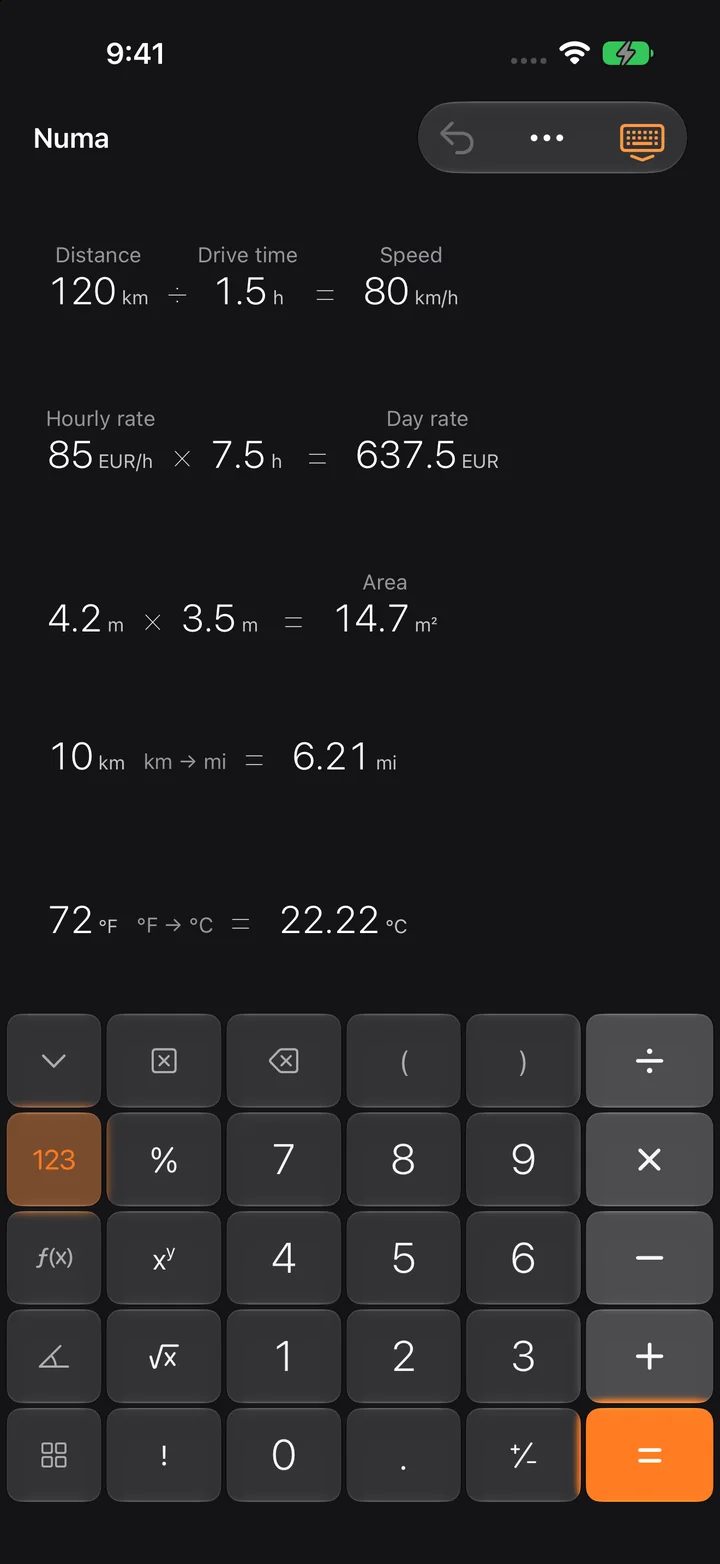
Numa is free: the canvas, linking, names, sliders and all functions. Numa Pro is a one-time purchase, not a subscription, and unlocks graphs, units, dates and currencies, scenarios and the camera. The purchase works on all your devices with the same Apple Account and with Family Sharing.
No. There is no sign-in, no advertising and no tracking.
Select a result and press an operator. A linked number appears on the line below. Or drag one number onto another. To unlink, touch and hold and choose Unlink from the menu.
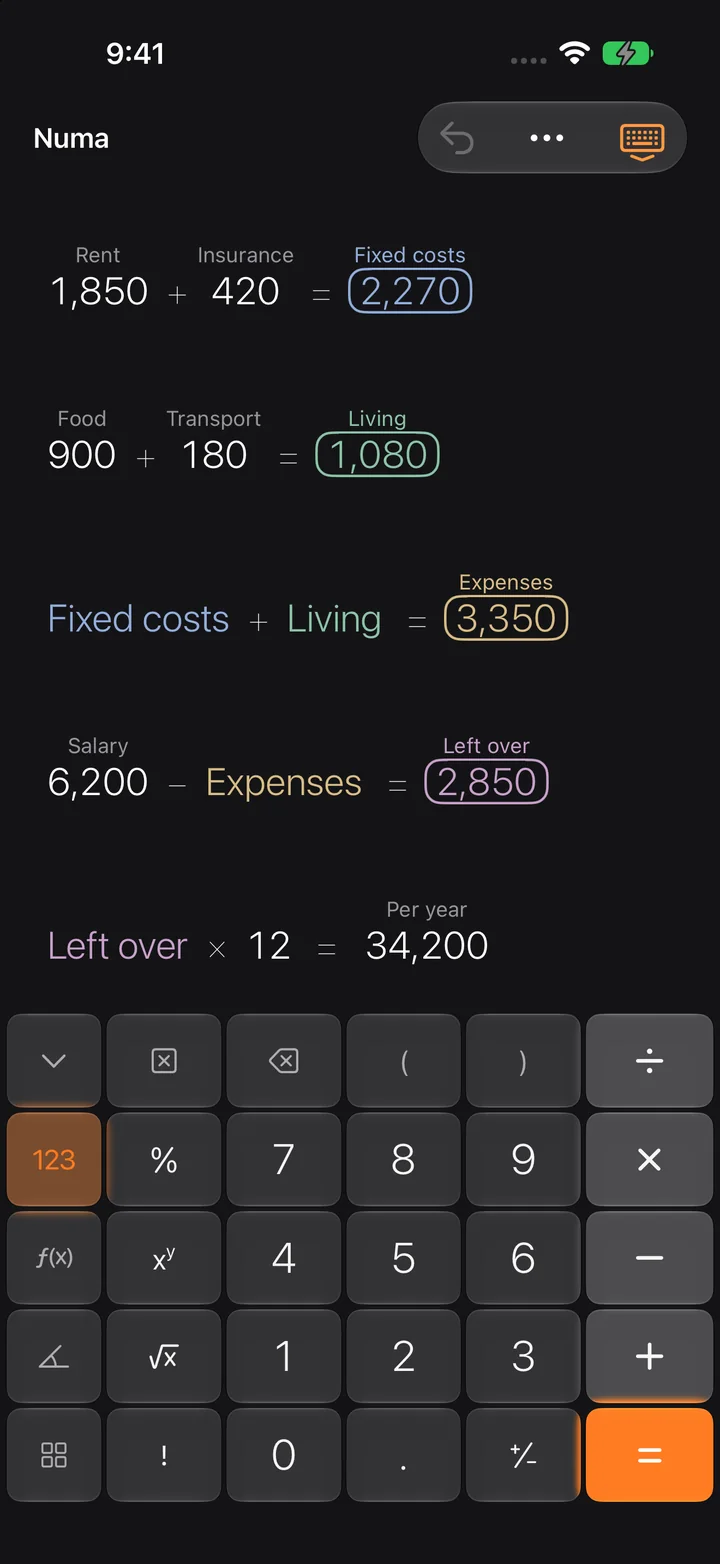
Label a number, say “Rent”. Then you can use the name in any calculation (keypad page More, Names): Rent × 12. When the rent changes, everything follows.
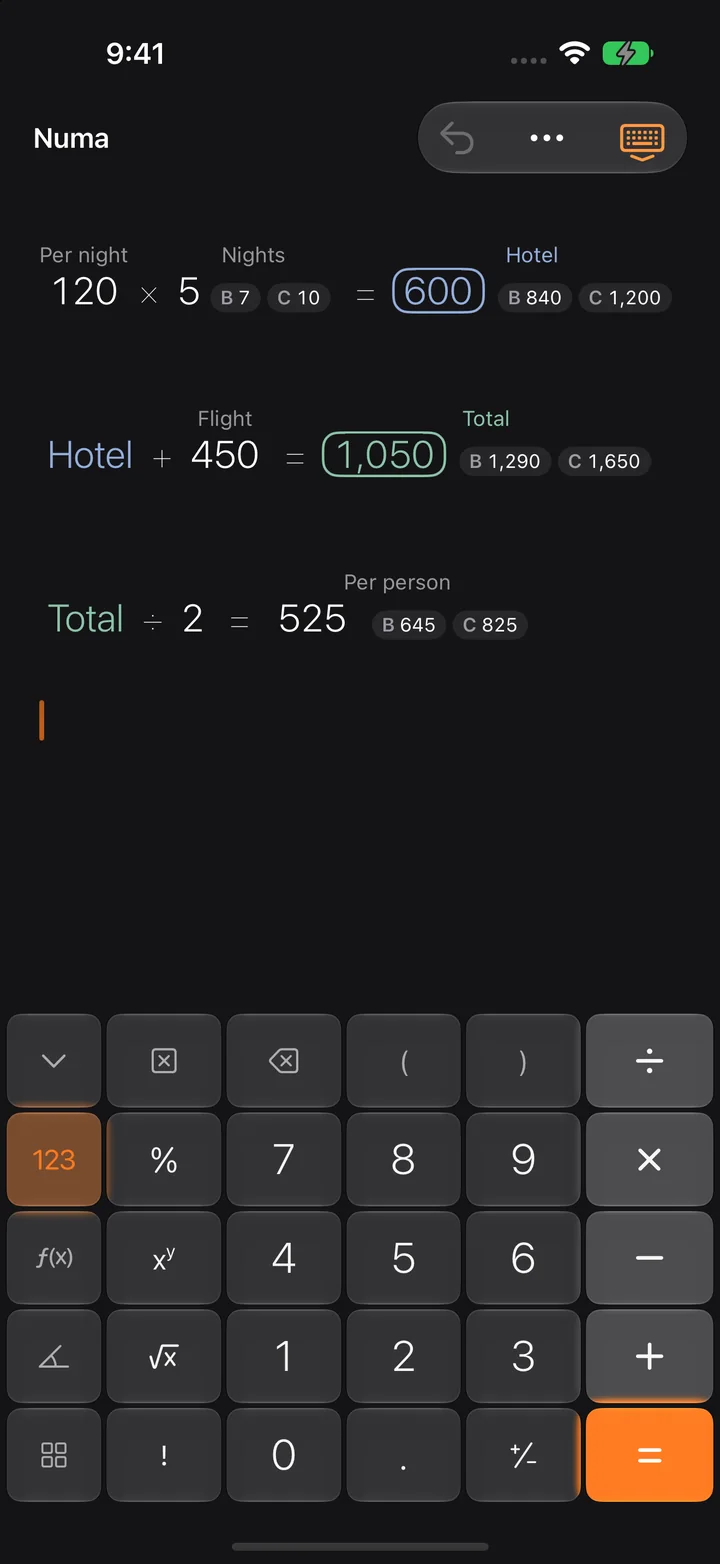
A number can have up to three values, A, B and C. Numa calculates the whole canvas for each scenario and shows the results of B and C next to those of A.
The way you’d do it by hand: 78 + 7% gives 83.46, that is 78 plus 7 percent of 78.
Numa does + − × ÷ with exact decimals. Rounding happens only for display; full precision stays underneath.
No. Only when you convert currencies does Numa download the European Central Bank reference rates, at most every 12 hours. The last rates stay on your device and work offline too.
As .numa documents on your device or in your iCloud Drive. You’ll find them in the Files app. Numa saves automatically.
Numa recognises the numbers on your device. The images are neither uploaded nor stored.
Yes. Digits, + − * / ^ ( ) % ! and Return work on any hardware keyboard.
Delete your .numa documents in the Files app, then delete the app. There is nothing on our side to delete.
In Numa, open Settings, choose “Numa Pro” and tap “Restore Purchases”. Use the same Apple Account you bought it with.
A question, a bug, a wish: write to us.